
Tickets and Activation
For customers to be able to book a resource, it must be active. A resource is activated by a ticket, and a ticket is valid for 30 days. This page explains how tickets, plans, and activation are related and where you can configure the behavior.
What a ticket is
- A ticket activates exactly one resource for 30 days — regardless of which provider calendar the resource is in.
- How many tickets you have available depends on your plan. Tickets belong to the account, not to an individual provider calendar.
- Users are free of charge. You only pay for what is bookable: the activated resources.
What happens when an activation expires
When an activation expires, everything is preserved: the resource, its settings, the availabilities, and all appointments already booked. The only thing that changes is that no new appointments can be booked until the resource is activated again. Appointments already booked take place as planned, and reminders continue to be sent.
Where you can see the status
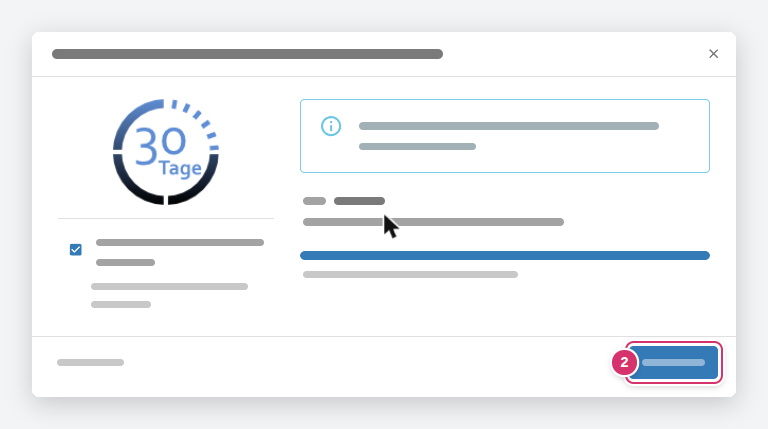
The quickest way is in the resource list on the left side of the calendar: next to the name of an inactive resource there is a play icon (▶). Clicking on it opens the Activate resource booking dialog, which shows the duration, your plan, and the remaining tickets; clicking Activate redeems a ticket.
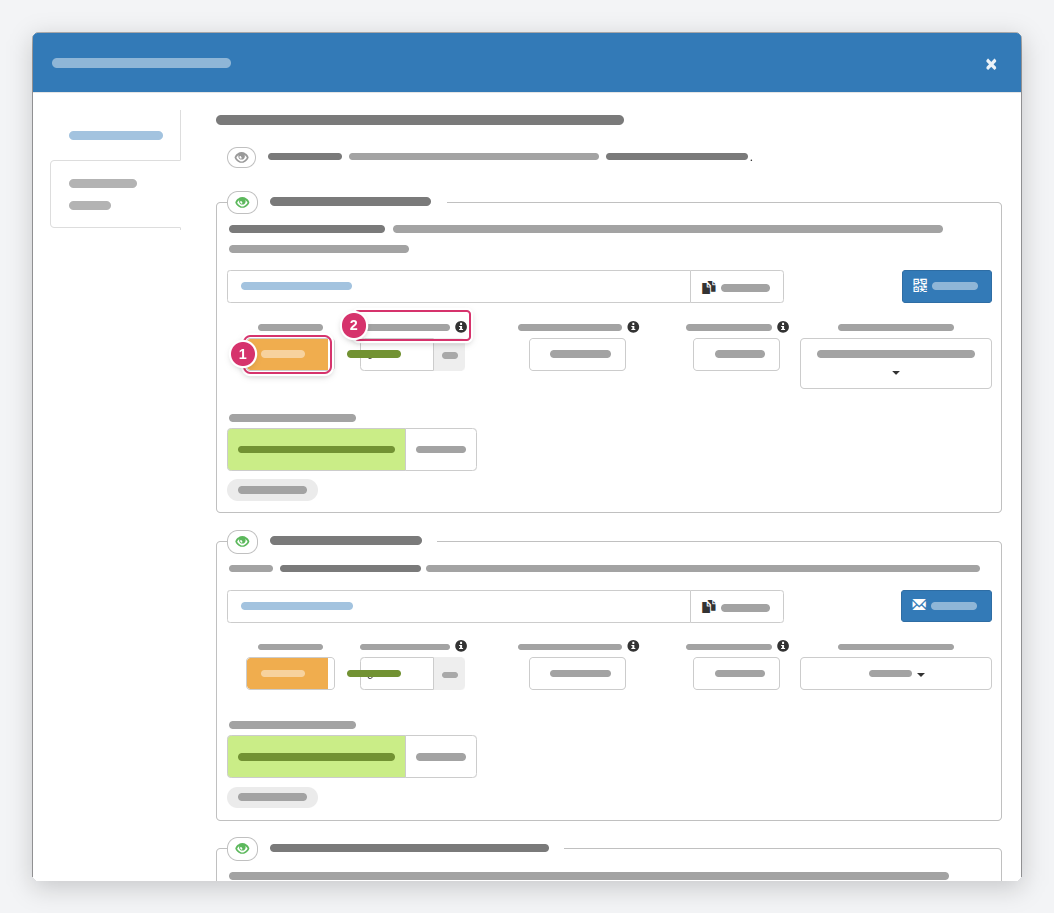
Also in the resource menu under Appointment booking - Settings: next to each booking channel, a notice Resource is not active (1) is shown when the resource is currently not bookable. For an active resource, no notice is shown.
Activate automatically or manually
Whether timum uses tickets automatically is set per provider calendar under Settings → Process settings in the Activation behavior section — separately for the initial activation and for renewals:
- Initial activation (1): Is a newly created resource activated immediately?
- Renewal (2): Is a resource automatically re-activated after 30 days?
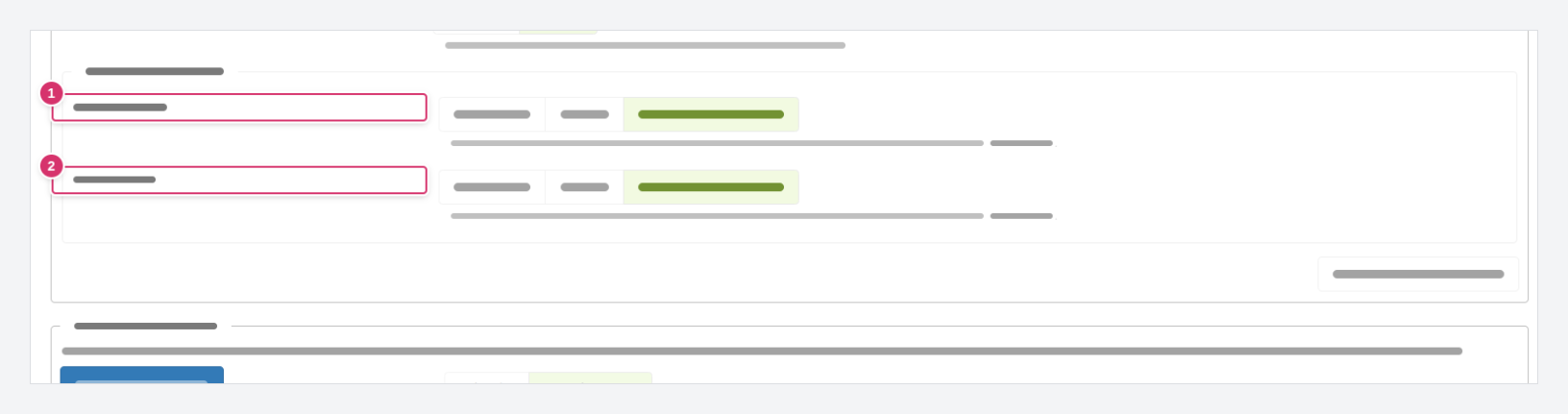
Both fields have three values:
| Value | Meaning |
|---|---|
| automatic | timum uses a ticket as soon as it is needed. Your resources remain bookable without any action on your part. |
| manual | You activate and renew yourself. Useful if resources should only be bookable temporarily, such as properties until they are sold or rented. |
| according to plan setting | timum uses the default setting of your plan. The help text below the field shows what that is. |
Click Reset to default to return to your plan's default.
Properties that will soon be sold or rented
Check tickets and plan
You can view your plan and included tickets in the Account menu in the top right. Under Settings → Provider profile, the Billing account section shows which account the current provider calendar belongs to. If you do not have enough tickets, upgrade your plan there or contact our service team.